How to Start an Online Store: A Step-by-Step Guide to Building Your Digital Business
Learning how to start an online store is one of the smartest moves you can make today. Whether you’re planning to sell handmade products, digital goods, or branded merchandise, creating your own online shop allows you to reach a global audience and earn on your terms.
In this complete guide, you’ll discover how to create an online store from scratch — from choosing your niche and building your website to marketing your brand and scaling your sales. Let’s walk through the process of turning your business idea into a successful online retail business.
Step 1: Choose What to Sell and Define Your Niche
The foundation of any successful online shopping business starts with clarity — knowing what you’ll sell and who you’ll sell to. Research market demand, competition, and trends. Use tools like Google Trends, Etsy, or Amazon Best Sellers to validate your product ideas.
If you’re unsure how to start a store, focus on solving a specific problem. For instance, instead of selling “clothing,” build your shop around “eco-friendly activewear for women.” A focused niche builds trust and helps you rank higher in search engines.
Remember: people don’t just buy products; they buy solutions. A strong niche will make marketing easier and attract loyal customers who value what you offer.

Step 2: Select the Right eCommerce Platform
Choosing where to host your store online determines your business’s flexibility and growth potential. Popular platforms include Shopify, WooCommerce (for WordPress users), and BigCommerce.
If you’re wondering how to open an online store free, WordPress with WooCommerce is a fantastic option — it’s open-source and highly customisable. Shopify, on the other hand, offers a simple setup with powerful built-in tools for beginners.
When deciding the best place to start an online store, consider your budget, technical comfort, and long-term goals. Each platform has its strengths — WooCommerce offers control, while Shopify excels in simplicity and support.
Step 3: Build Your Online Store Design and Structure
Once your platform is ready, it’s time to bring your brand to life. Choose a clean, mobile-friendly theme that aligns with your niche. Keep your design minimal — focus on clear navigation, readable fonts, and professional images.
When you build an online store, structure it like a physical shop: homepage, category pages, product pages, about, and contact. Each page should guide visitors smoothly toward making a purchase.
Don’t forget essential elements such as secure payment gateways, shipping options, and trust badges. These increase credibility and help customers feel safe while shopping online.
Step 4: Add Your Products and Write Compelling Descriptions
When making an online store, product presentation matters as much as the product itself. Use high-quality photos from multiple angles and clear background images. Your product descriptions should be detailed, persuasive, and written for humans — not just for SEO.
Include your main keyword naturally when describing your offerings. For instance: “This handmade candle is perfect for anyone learning how to start a webstore with natural, sustainable products.”
Showcase benefits, not just features. Instead of saying “made from soy wax,” say “burns longer and cleaner, creating a cosy, toxin-free atmosphere.” That emotional connection drives conversions.
Step 5: Set Up Payment, Shipping, and Legal Pages
Every serious online retailer needs a seamless checkout experience. Integrate reliable payment gateways such as PayPal, Stripe, or Apple Pay. Ensure your website uses HTTPS encryption for security.
Set up clear shipping policies, refund terms, and privacy pages. These legal sections protect both you and your customers. For small brands setting up an internet store, transparent policies often build the trust that leads to repeat sales.
If you plan on international shipping, calculate costs carefully and communicate delivery times clearly on each product page.
Step 6: Market Your Online Store for Visibility and Sales
Once your site is live, the next challenge is traffic. Learn how to create your own online store’s marketing plan through organic and paid strategies. Start with SEO — optimise your product pages with keywords like “how to make a store” or “online shopping business.”
Use social media marketing to share product photos, stories, and user-generated content. Platforms like Instagram, TikTok, and Pinterest are perfect for visual eCommerce.
Email marketing remains one of the highest-ROI channels for any online store business. Send welcome sequences, offer discounts, and nurture relationships with your audience consistently.
Step 7: Optimise, Analyse, and Scale
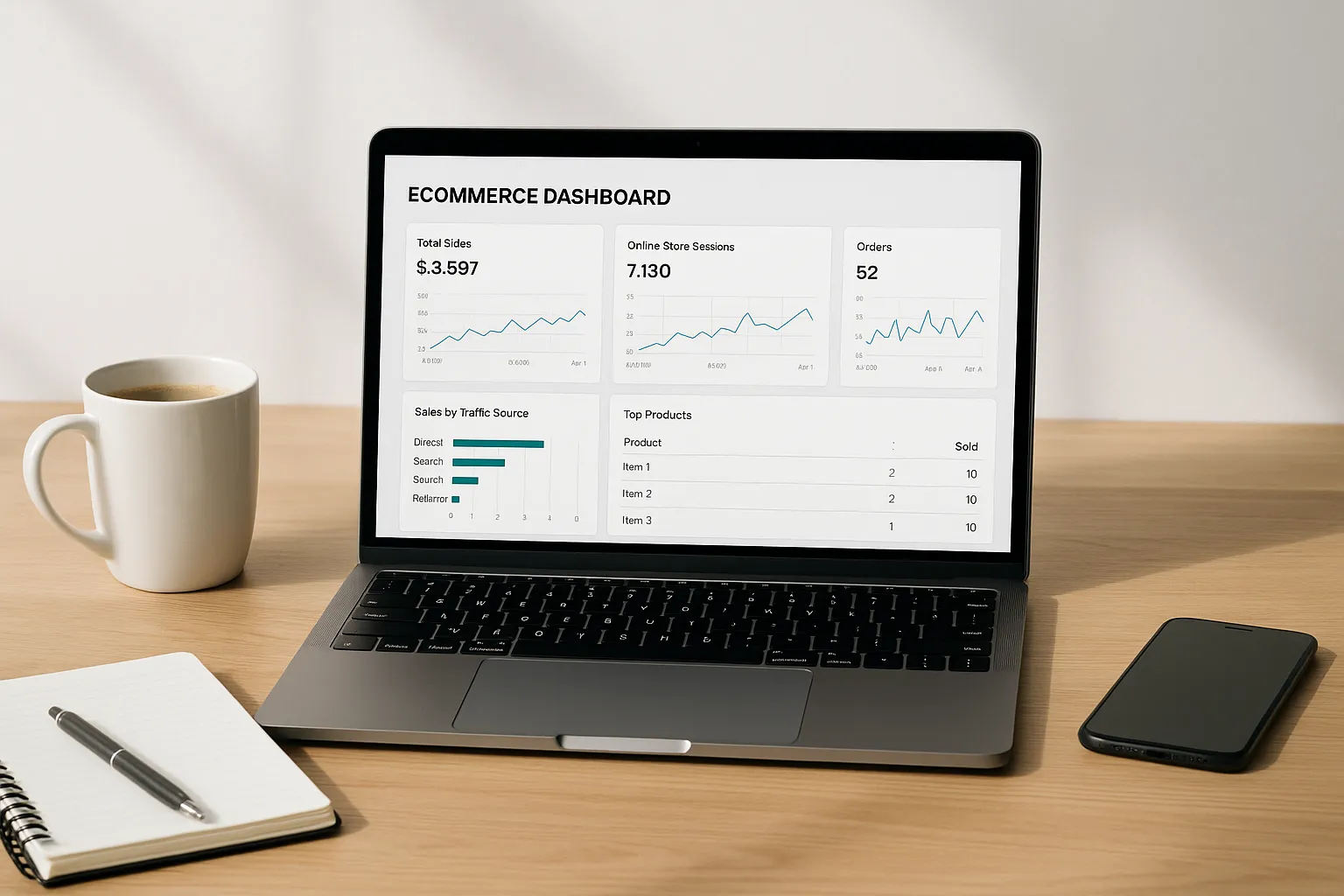
Success doesn’t happen overnight. Once your store is running, review your analytics weekly. Identify which products sell best, where traffic comes from, and what stops users from checking out.
Use tools like Google Analytics, Hotjar, and Shopify Insights to track performance. Small changes in layout, pricing, or copy can dramatically increase conversion rates.
To grow your online retail business, reinvest profits into advertising, influencer collaborations, and better inventory management. Continuous improvement keeps your webstore competitive.
Real Examples: How Entrepreneurs Build Their Online Stores
Many successful founders started with simple setups. For example, a jewellery designer might begin with a basic WooCommerce shop and later expand to Shopify for global reach. Another entrepreneur may use Etsy or Gumroad before migrating to a standalone online shopping site.
The lesson? Don’t wait for perfect conditions. Making online shopping a reality starts with taking one step — launching. The tools are ready; you just need to use them.
Platforms like Shopify, WordPress, and Squarespace make it possible for anyone to get their own online store running within a day — no coding required.
Pro Tips for Setting Up an Online Retail Business
- Focus on mobile first: Over 70% of online shopping happens on phones.
- Use trust signals: Reviews, testimonials, and SSL certificates build credibility.
- Keep it simple: Too many options confuse buyers. Guide them to your bestsellers.
- Test everything: From product titles to checkout buttons — optimisation never ends.
Once you master these basics, you’ll understand how to start an online store that grows steadily and sustainably — without relying on luck or guesswork.
Frequently Asked Questions
1. How much does it cost to start an online store?
The cost of starting an online store depends on your platform and tools. You can create a free online shop using WordPress and WooCommerce, or pay around $29–$79 per month for a Shopify plan. Additional costs may include domain name, hosting, and marketing.
2. Can I start an online store with no money?
Yes, it’s possible to open an online store free using platforms like WooCommerce or Ecwid’s free plan. However, investing in your domain and branding usually helps build trust and long-term success.
3. What is the best platform to build an online store?
Shopify and WooCommerce are two of the best platforms for building an online store. Shopify is ideal for beginners who want a quick setup, while WooCommerce is perfect if you prefer full control on WordPress.
4. Do I need technical skills to create my own online shop?
No coding is required to build your shop. Modern platforms like Shopify, Wix, and WordPress with WooCommerce offer drag-and-drop interfaces that make setting up an internet store simple for beginners.
5. How do I choose the right products to sell online?
Start by researching trends, demand, and competition. Focus on a niche that excites you and solves a specific problem. Use tools like Google Trends or Amazon Best Sellers to validate your product ideas.
6. What legal requirements do I need to start an online store?
You’ll need a business licence (depending on your country), privacy policy, terms and conditions, and refund policy. Always check your local eCommerce laws before launching your online retail business.
7. How do I attract customers to my online store?
Use search engine optimisation (SEO), social media marketing, email campaigns, and paid ads to drive traffic. Consistently sharing value and storytelling helps make your online shopping business stand out.
8. How long does it take to start selling?
You can technically start an online store in a single day if you use a ready-made template. However, it may take a few weeks to design, upload products, and begin marketing effectively.
9. What payment methods can I offer in my webstore?
Popular options include PayPal, Stripe, Apple Pay, and credit cards. Shopify and WooCommerce integrate easily with most global payment gateways, ensuring smooth and secure checkouts.
10. How do I manage shipping and delivery?
Decide whether you’ll ship products yourself, use dropshipping suppliers, or partner with fulfilment services. Always provide clear shipping policies, delivery times, and tracking updates to customers.
11. Can I sell both physical and digital products?
Absolutely. You can build your store to sell physical goods, digital downloads, or even online services. Platforms like Shopify and WordPress handle all types of product listings with ease.
12. How do I make my online store profitable?
Focus on creating high-quality products, strong branding, and customer retention. Upselling, email automation, and consistent SEO work will gradually turn your online shop into a profitable business.
13. What is the difference between an online store and a marketplace?
An online store is your own website where you sell directly to customers. A marketplace like Amazon or Etsy hosts multiple sellers. Owning your online store gives you more control and higher profit margins.
14. How can I promote my online retail business on social media?
Use Instagram, TikTok, Facebook, and Pinterest to share visuals, customer reviews, and product demos. Engage with your followers, run contests, and link your posts directly to product pages.
15. What is the easiest way to get my own online store running fast?
If you want to start a store quickly, choose Shopify for its all-in-one tools or use WordPress with a pre-designed WooCommerce theme. Both options allow you to build, host, and launch your online shop in hours.
Final Takeaway: The Future Belongs to Online Creators
Starting your own online shop isn’t just about selling products — it’s about creating independence. With the right strategy, tools, and mindset, anyone can learn how to start an online store and turn it into a profitable business.
Whether you’re building your first eCommerce site or setting up an online retail business, remember this: every great brand began with one simple step — the decision to start.
Begin today, build with purpose, and grow with consistency. The digital marketplace is waiting for you.
How to Start a Ecommerce Business: A Complete Beginner’s Guide